首頁
網絡資源簡介
婦女資源網
女流雜誌
性傾向平等資源網
婦女生活手冊
性別平等教材套
性‧點解
關於我們
宗旨及服務
聯絡我們
學生訪問須知
接收我們的活動訊息
婦進小組
性與人權小組
性別預算小組
婦女事務監察小組 (wa-watch)
家務移工組
女體勞工小組
綠心小組
女流
活動
婦進活動
其他團體活動
倡議工作
聲明
意見書
報告及研究
民間社會
運動連結
多元聲音聚匯
群社結連
媒體
新聞稿
訪問/剪報
出版/刊物
支持我們
籌款
捐助AAF
成為會員
最新動態
2026 年 05 月 25 日 in Uncategorized //
被下藥的可能徵狀及如何處理
2026 年 05 月 22 日 in Uncategorized //
杜絕Online Rape Academy的困難
2026 年 05 月 19 日 in Uncategorized //
出現Online Rape Academy的原因
2026 年 05 月 16 日 in Uncategorized //
什麼是Online Rape Academy?
2026 年 05 月 14 日 in 焦點動態 //
六個月性別倡議共學計劃
Home
» Media » Call for Voting_Student Proposal_DDay3
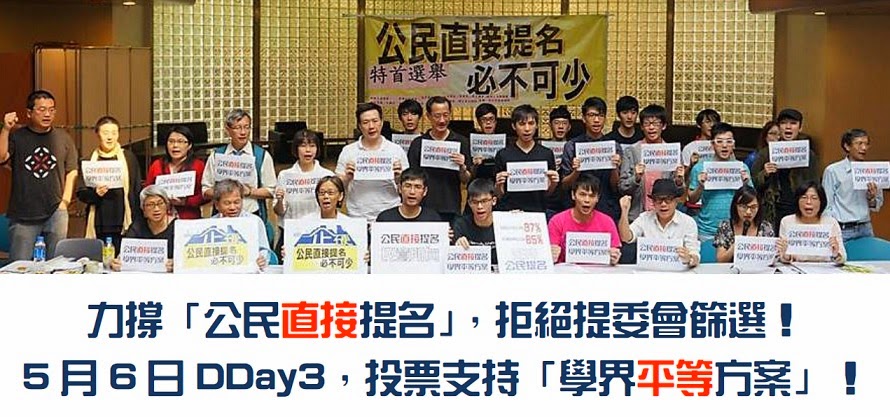
Call for Voting_Student Proposal_DDay3
← Back to article
Leave a comment
Cancel reply
Δ
首頁
聯絡我們|contact us
Copyright © 2026
Blog at WordPress.com.
Comment
Subscribe
Subscribed
新婦女協進會
Sign me up
Already have a WordPress.com account?
Log in now.
新婦女協進會
Subscribe
Subscribed
Sign up
Log in
Copy shortlink
Report this content
View post in Reader
Manage subscriptions
Collapse this bar

 新婦女協進會
Leave a comment